Download PalmDesk
Two apps, one pairing. Put the free Mac app on your Mac, then PalmDesk on your iPhone or iPad.
PalmDesk for iPhone and iPad
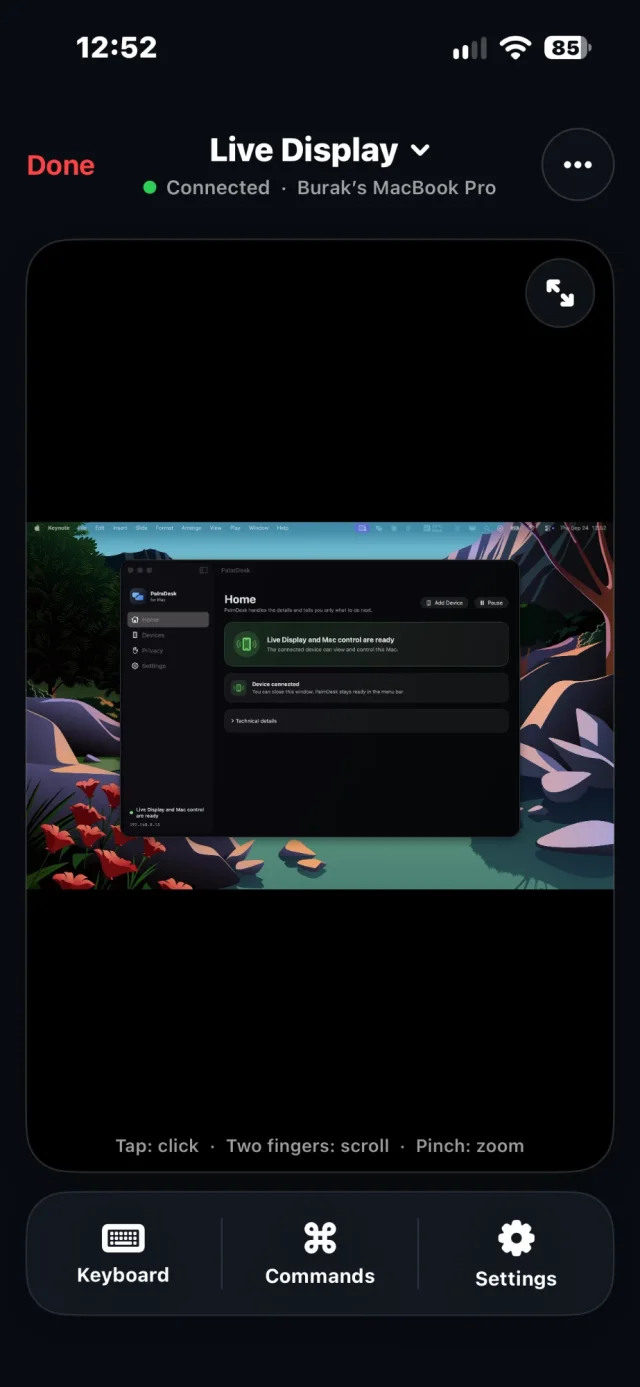
- iOS and iPadOS 17 or later
- Free on the same Wi‑Fi · PalmDesk Pro in the app
- English, Türkçe, Español, Deutsch, Français, 日本語, 简体中文
Coming soon to the App Store
 On your Mac right now? Scan this with your iPhone’s camera to open this page there.
PalmDesk for Mac
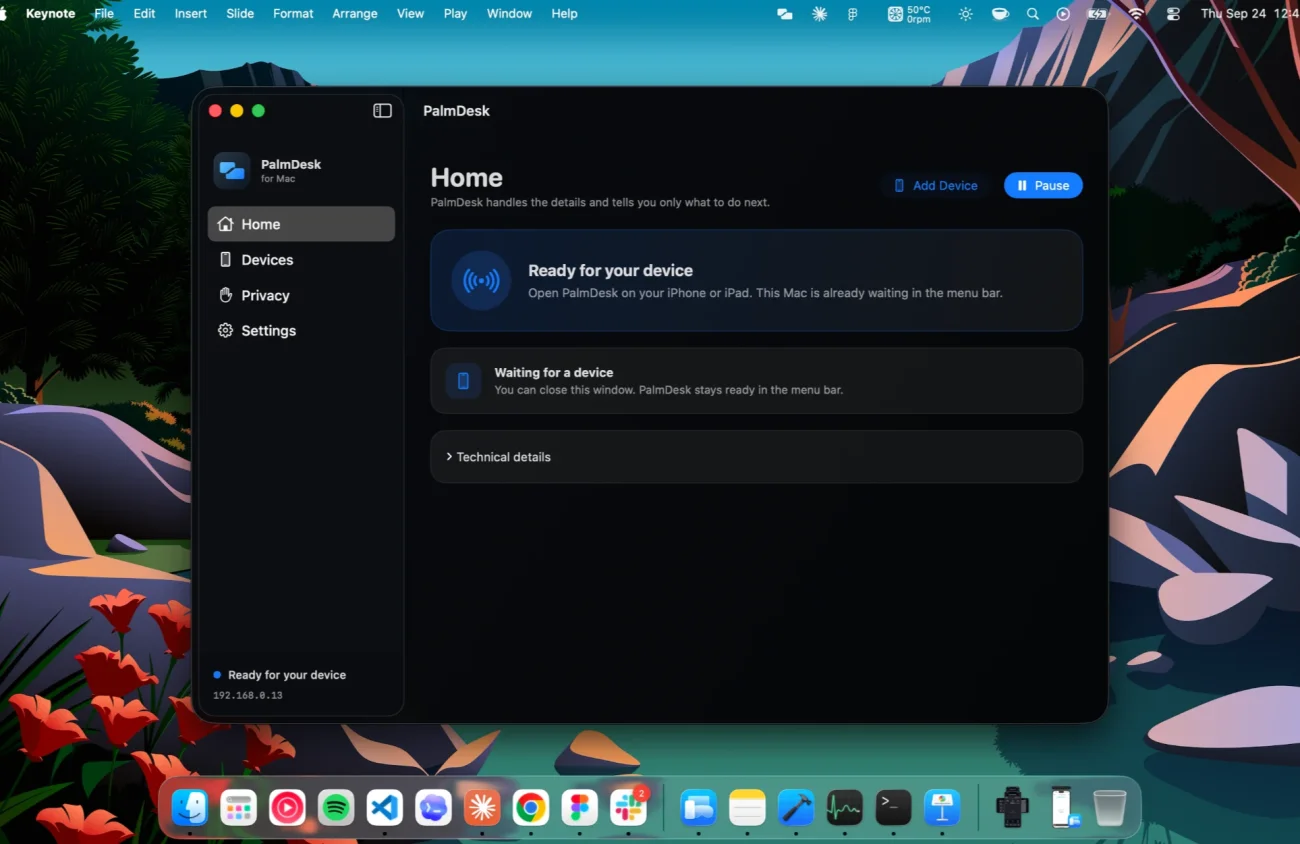
- macOS 14 Sonoma or later
- Apple silicon and Intel
- Free, version 1.0
Up and running in a minute
Open PalmDesk on the Mac
Allow Screen Recording and Accessibility when asked. The app then waits in the menu bar.
Tap Add Mac
On your iPhone or iPad, scan the code the Mac shows, then confirm on both screens.
Choose a mode
Live Display, Trackpad, Media Remote or Presentation Remote. Switch any time.
Questions
Do I need both apps?
Yes. PalmDesk for Mac shares the screen and carries out your clicks and keystrokes; PalmDesk on your iPhone or iPad is the remote. You pair them once.
Does the Mac app cost anything?
No. PalmDesk for Mac is always free. PalmDesk Pro, for access from any network, is bought in the iPhone or iPad app.
Where do I get the iPhone and iPad app?
PalmDesk 1.0 is in final preparation for the App Store. This page will link to it the day it goes live. Questions: support@palmdesk.app.